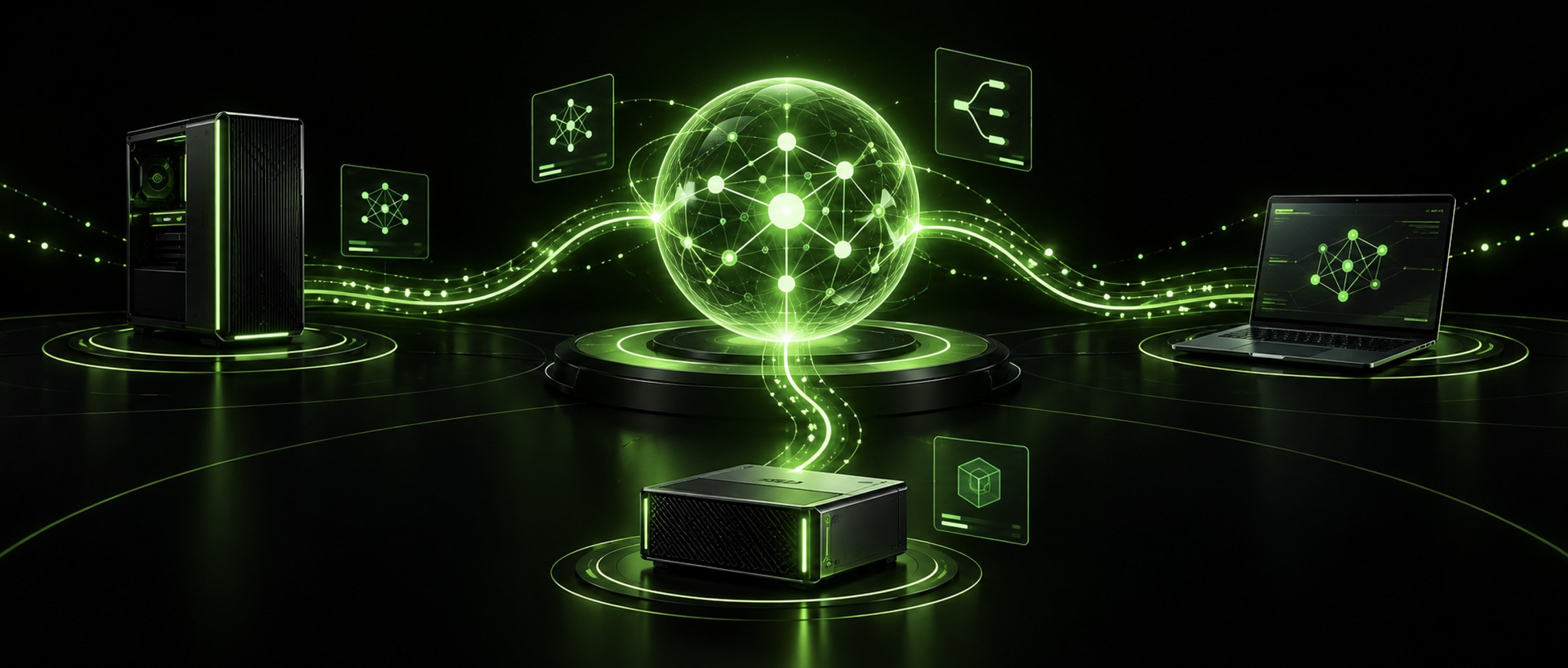

Miami Mike has a habit of buying hardware before the software exists to use it properly, so the NVIDIA Personal AI Router beta landed on the right desk. PAIR, as NVIDIA calls it, shipped on September 3 as a free download. The pitch is that the RTX gaming PC, the DGX Spark, and the Mac already sitting on your home network should share inference work instead of two of them idling while the third one grinds. This is a personal interest post, not a client recommendation. I sell NVIDIA gear during the day, so weigh that however you like.
Short version: PAIR is a router, not a bigger GPU. It sends each independent request from Ollama or LM Studio to whichever machine on your network is free and has the model loaded. It does not pool VRAM, and it will not let you run a model that would not fit on one of your boxes by itself.
What NVIDIA PAIR actually does
PAIR takes over the default port that Ollama or LM Studio listens on. Your agent keeps pointing at localhost like it always has. Behind that port, PAIR reads the engine and model the request wants, checks which paired machines are online, running that engine, holding that exact model tag, and not currently busy, then hands the whole request to one of them. The response streams back through the same endpoint. According to the NVIDIA technical blog, no changes to the agent harness are needed, and the Jobs view in the app shows which node served each call.
That is the entire product. It is not an inference engine. Ollama or LM Studio still runs the model. PAIR just decides where.
NVIDIA Personal AI Router system requirements
The PAIR product page and the GitHub README between them list the following for the NVIDIA Personal AI Router 0.1.1 beta.
- GPUs: any GeForce RTX from the 20 Series forward, RTX PRO workstation cards from Turing forward, DGX Spark, and Apple silicon M4 or newer
- Operating systems: Windows 11, Linux via a .deb package, and macOS, on both x64 and arm64. Windows on ARM is marked experimental.
- 8 GB of RAM minimum and about 20 GB of disk recommended
- Internet only for downloading models. Routing itself runs entirely on your LAN.
- Engines: Ollama and LM Studio. Nothing else at launch.
The product page currently says Ubuntu 14.04, which I assume is a typo for 24.04. The code is on GitHub under Apache 2.0, so if that bothers you, you can fix the docs yourself.
If you followed my DGX Spark home lab writeup, the Spark is the obvious anchor node. It sits on the network all day, it has the memory to hold the larger model tags, and it is not going to get pulled away for a game of Valorant.
NVIDIA PAIR does not combine GPUs
This is where the launch went sideways on social media. InfoQ noted that plenty of people read the announcement as either a way to share compute with strangers over the internet or a way to stack two small GPUs into one big one. It is neither. Every request lands on exactly one node and stays there from first token to last.
| Setup | What gets shared | What it buys you |
|---|---|---|
| One PC running Ollama | Nothing | One request at a time, everything else queues |
| Same machines with PAIR | The queue | Independent requests run on separate boxes at the same time |
| What people assumed PAIR was | VRAM across machines | A 70B model on two 16 GB cards. PAIR does not do this. |
So the ceiling on model size is still whatever your single biggest machine can load. What PAIR raises is throughput on parallel work, and only parallel work.
Multi agent workloads are the whole point
Picture a lead agent that splits a research task into five subagents. From your chair that is one job. At the inference layer it is dozens of separate model calls, and if they all hit one Ollama instance they line up behind each other. NVIDIA built PAIR for exactly that pile up. Its demo ran a five subagent Hermes Desktop task on Qwen 3.6 35B A3B: 18 minutes on a single RTX Spark laptop, 8 minutes and 48 seconds on a three node cluster of that laptop, a DGX Spark, and an RTX 5090. NVIDIA is careful to call it a configuration specific demo rather than a benchmark, and you should too. Roughly halving the wall clock by adding two boxes is a fine result. It is not linear scaling.
The reason this matters to a home builder is the same reason it matters to a CIO. I wrote about why AI inference costs keep climbing even as token prices fall, and the answer was that agents multiply calls in ways nobody budgeted for. At home the bill is not dollars, it is the hour you spend waiting for your coding agent while a perfectly good GPU sits cold in the next room.
Sequential work gets little or nothing out of this. One long chat with one model is still one long chat with one model.
Setting up NVIDIA PAIR with Ollama and LM Studio
Install the signed build on each machine. PAIR finds the others over mDNS, or you type an IP address. The inviting machine shows a six digit PIN, you enter it on the invited one, and from then on the nodes talk over mTLS with generated certificates. Nothing moves between machines until that pairing is done. From the node card you can have PAIR install Ollama or LM Studio for you and pull models, which saves a lot of clicking across three computers.
One rule to internalize: a node is only eligible for a request if the exact model tag is present there. Load the same tag on every box and the scheduler has a full pool to choose from. Load different models on different boxes and PAIR routes by where the model lives. Both work. Mixing them without thinking about it is how you end up with every request going to one machine and wondering why nothing changed.
The scheduler is the weak spot for now
Credit to NVIDIA for putting this in the README rather than burying it. PAIR ships one scheduling policy. It looks at queued work and a smoothed GPU utilization number and that is it. It does not consider which GPU a node has, how much memory is free, whether the model is already warm, or how heavy the incoming request looks. NVIDIA’s own wording is that this makes PAIR a better fit for similar machines than for a highly mixed cluster.
Read that twice, because the marketing image is a mixed cluster. An RTX 5090, a DGX Spark, and an M4 MacBook are three different classes of node, and the current scheduler treats them as interchangeable once they all hold the model. Expect a long prompt to land on the Mac sometimes. NVIDIA says smarter routing and selectable policies are on the list, with no dates attached. For a 0.1.1 release that is an acceptable answer. It is also the first thing I would check before trusting the demo numbers on your own hardware.
What this means for a home AI factory
NVIDIA’s definition of an AI factory, which I leaned on in the enterprise AI factory post, is infrastructure that produces tokens from your own data. The number that decides whether one pays off is utilization. Enterprise buyers fail that test with racks running at 40 percent. Home builders fail it with a gaming PC that does inference two hours a day and a laptop that never does any. The NVIDIA Personal AI Router is the first free, vendor backed tool aimed at the house version of that problem, and the fact that it is open source means it will outlive whatever NVIDIA decides to do with it.
I have not run PAIR across my own machines yet. The two things I want to see are how the port takeover behaves with tools that already talk to Ollama on 11434, and how often the scheduler picks the wrong box in a mixed cluster. If you have a Jobs view full of routed requests on your own hardware, send me a screenshot.